ERP Software Guide: Benefits and How to Choose the Right System
Choosing ERP software is one of the most important technology decisions any organization makes — a decision that can transform productivity, financial transparency, and the speed of decision-making, or, if made poorly, waste significant time and money. This guide covers everything you need to know: what ERP software is, the real benefits it delivers, when your organization actually needs it, and — most importantly — how to choose the right solution for your business.
What Is ERP Software?
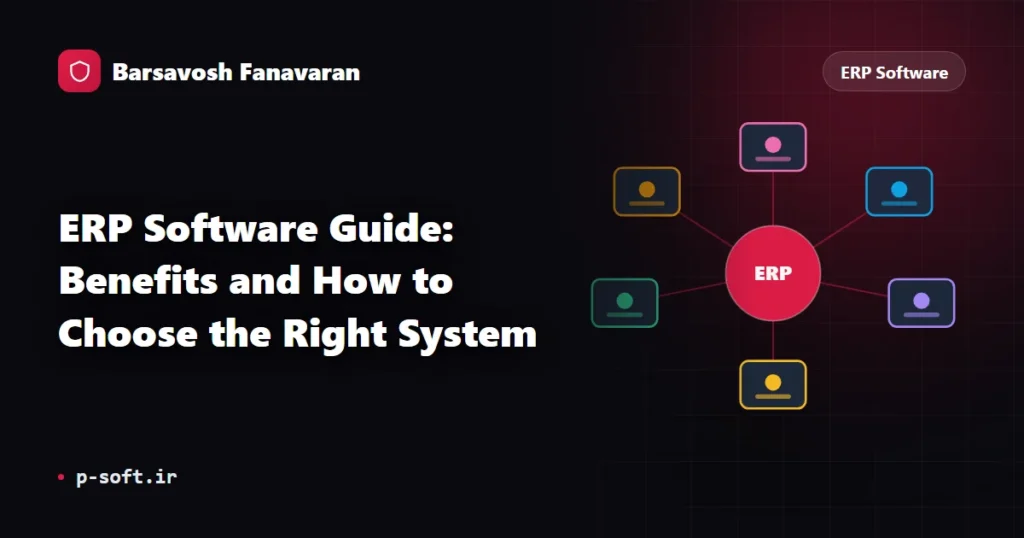
ERP — Enterprise Resource Planning — is an integrated system that brings all of an organization’s core processes under one roof: accounting and finance, inventory, sales, purchasing, and human resources. Instead of each department running a separate tool with data siloed in isolated spreadsheets, an ERP centralizes everything in a single shared database, giving managers an accurate, real-time picture of the entire organization.
Key Benefits of ERP Software
- Unified data: A single source of truth eliminates duplication and discrepancies between departments.
- Data-driven decisions: Live management dashboards and reports enable faster, more accurate decisions.
- Financial transparency: Full tracking of revenue, costs, and cash flow at any moment.
- Higher productivity: Automation of repetitive processes reduces manual effort and human error.
- Scalability: The system grows with your organization — no need to replace it as you expand.
Signs Your Organization Needs ERP
If you recognize one or more of the following, it is probably time to move to an integrated system:
- Sales, inventory, and financial data are scattered across separate files and tools and frequently conflict with each other.
- Producing management reports is time-consuming and you rarely have access to up-to-date figures.
- As the organization has grown, coordination between departments has become slower and harder.
- Manual data-entry errors and inventory discrepancies are increasing.
How to Choose the Right ERP Software
Choosing well is less about finding the solution with the most features and more about finding the one that fits your specific needs. Evaluate every candidate against these criteria:
1. Genuine Module Integration
Confirm that the finance, inventory, sales, and HR modules are truly connected and that data flows between them automatically — not just a collection of separate tools bundled together. Real integration is the difference between an ERP and a glorified spreadsheet.
2. Reliable Support and Training
Even the most capable ERP will fail without effective support and proper user training. Assess the vendor’s support quality, response times, and the depth of onboarding resources they provide.
3. Scalability and Customization
The software must be able to grow with the organization and adapt to your specific workflows — not force your business to conform to its rigid defaults.
4. Security and Access Control
Granular access control and protection of sensitive organizational data must be built into the platform from the ground up, not added as an afterthought.
5. Total Cost of Ownership
Look beyond the initial license price. Factor in implementation, ongoing maintenance, support contracts, and the cost of customization over a multi-year horizon.
Common ERP Selection Mistakes
- Focusing only on upfront price and ignoring long-term maintenance and support costs.
- Choosing an overly complex system that employees never fully adopt.
- Underestimating the need for change management and user training during rollout.
- Selecting a vendor with poor support quality or slow response times.
Data ERP: Integrated Business Management from Barsavosh Fanavaran
Data ERP by Barsavosh Fanavaran (P-Soft) is built on exactly this philosophy: unifying a factory’s sales, production, purchasing, inventory and finance in a single system, with a dashboard for each role, separate roles and access for every user, and a form builder for adding your own fields. Rather than over-promising, Data ERP is a practical tool for bringing order, transparency, and data-driven decision-making to manufacturers.
If your existing software can no longer keep up with your needs, our software rescue service can help you assess, migrate, or modernize your current systems with minimal disruption.
Frequently Asked Questions
Is ERP the same as enterprise management software?
Yes — ERP goes by several names, including enterprise management software and integrated business system. The defining characteristic is a single platform that connects financial, administrative, inventory, and sales processes so that data is entered once and used across every department. Data ERP is an example of this kind of solution.
When is the right time for a business to adopt ERP?
When sales, inventory, and financial data are fragmented and inconsistent, when reporting is slow, and when coordinating between departments becomes harder as the organization grows — those are the clearest signals that it is time to move to an integrated ERP platform.
What is the single most important criterion for choosing ERP software?
Fit: how well the software matches your organization’s real needs. That means genuine module integration, strong support quality, and scalability — not simply the longest feature list or the lowest price tag.
Can a small business benefit from ERP?
Absolutely. Modern ERP platforms — including Data ERP for manufacturers — are designed to scale from small teams upward. Starting with an integrated system early prevents the data chaos that typically forces a painful, costly migration later.
Further reading
- What Is ERP? Complete Guide to Enterprise Resource Planning
- How to Choose the Right ERP Software for Your Organization
- 7 Signs Your Business Needs ERP Software
Complete guide: ERP software
Have a project in mind?
The Barsavosh team is ready to design custom software and AI solutions for your business.
Contact us